

Introduction: The New Frontier of Design‑Centric Development
When I first started sketching interfaces on paper, I never imagined that the gap between design and code could shrink to the point where designers could author native browser features without a single line of JavaScript. Yet here we are, standing on the brink of a paradigm shift that promises to give visual creators the same level of control that developers have traditionally reserved for themselves. This shift isn’t about “no‑code” tools or superficial UI builders; it’s about empowering designers to shape the very rendering pipeline of the browser—and that’s where CSS Houdini steps onto the stage.
Why Traditional CSS Is Starting to Feel Constrained
CSS has served us well for decades. From basic layout to complex animations, the language has evolved through modules like Flexbox, Grid, and Variables. However, designers hit a wall when they need functionality that the specification simply doesn’t expose: custom paint, layout, or animation logic that runs at the same performance tier as built‑in browser features. The common workaround? Drop into JavaScript, hand‑off to a developer, or settle for a less‑than‑ideal polyfill. Both approaches erode the speed and consistency that modern web experiences demand.
Moreover, the rise of microinteractions as a core product differentiator has amplified the need for pixel‑perfect, performant interactions that feel native. When you try to implement a bespoke loading animation or a brand‑specific scroll effect using only CSS, you quickly discover the language’s limits. That friction is the exact problem Houdini aims to solve.
Enter CSS Houdini: The Game Changer
Named after the legendary illusionist, Houdini gives developers (and increasingly, designers) the power to extend CSS itself. Instead of treating the browser as a black box, Houdini opens the curtain, offering low‑level APIs that let you write custom painting, layout, animation, and typed OM (Object Model) logic. The result? Features that run natively in the rendering engine, with the same optimisation, compositing, and hardware acceleration benefits that built‑in CSS enjoys.
From a design perspective, this means you can finally translate a high‑fidelity mockup into a true native experience without resorting to heavy JavaScript libraries or sacrificing performance. Imagine a brand‑specific gradient that reacts to user scroll in real time, or a fluid typographic rhythm that adapts to container size using a custom layout algorithm—crafted directly in CSS.
Core Houdini APIs and Their Design Implications
Houdini is split into several modular APIs, each addressing a distinct part of the rendering pipeline:
- Paint API: Lets you define custom drawing logic that the browser treats as a native CSS background or border image. Designers can now create complex textures, procedural patterns, or dynamic visual effects that stay crisp on any device.
- Layout API: Provides a hook to calculate an element’s size and position. This is a game‑changer for responsive design systems that need non‑standard grid behaviours—think masonry layouts that stay fluid without JavaScript.
- Animation Worklet: Enables high‑performance, script‑driven animations that run on the compositor thread. Designers can author intricate motion that feels buttery smooth, even on low‑end hardware.
- Typed OM: Offers a strongly‑typed interface to CSS values, reducing the need for string parsing and improving reliability when building design tokens or theming systems.
Each of these APIs is designed to be declarative from the CSS side. You write a small JavaScript worklet once, register it, and then invoke it like any other CSS property. That separation keeps the design intent in the stylesheet while the heavy lifting lives in a reusable module.
Design Systems Meet Houdini
Modern enterprises invest heavily in design systems to ensure visual consistency across dozens of products. However, maintaining that system becomes cumbersome when you need to push a visual update that requires a new layout algorithm or a custom paint effect. Traditionally, you’d add a JavaScript library, version it, and risk breaking existing components.
Houdini changes the equation. Because the worklets run at the browser level, you can encapsulate a new visual language as a single .js file and reference it across all products with a CSS variable:
/ style.css /
.my-card {
  background: paint(myCardBackground);
  layout: myMasonryLayout;
}
This approach aligns perfectly with composable architecture principles: the visual layer becomes a plug‑and‑play component, versioned independently, and instantly updatable across the entire ecosystem.
Performance and Accessibility Gains
When you offload complex visual work to a JavaScript library that runs on the main thread, you introduce layout thrashing, jank, and accessibility regressions. Houdini’s worklets run on dedicated threads (paint, layout, animation), keeping the main thread free for interaction handling and assistive‑technology support.
In practice, this translates to:
- Faster First Contentful Paint (FCP): Custom paint worklets are rasterised as part of the compositor, avoiding extra DOM updates.
- Reduced Input Lag: Animation worklets stay on the compositor thread, ensuring smooth 60fps motion even under heavy load.
- Better Semantic Mapping: Typed OM lets you expose design‑token values (e.g., color, spacing) in a format that screen readers can interpret, improving WCAG compliance.
These performance and accessibility advantages are especially critical when you’re building sustainable design practices that aim to minimize energy consumption by reducing unnecessary re‑flows and repaints.
Real‑World Adoption: Success Stories and Common Pitfalls
Early adopters have reported dramatic reductions in bundle size and load time after swapping heavy animation libraries for Houdini worklets. One fintech platform replaced a custom SVG animation pipeline with a Paint Worklet, cutting its JavaScript payload by 30% and improving animation smoothness on older browsers.
That said, Houdini is still emerging. The biggest pitfalls include:
- Browser Support Variance: While Chrome, Edge, and Safari have robust implementations, Firefox’s support lags. Always provide graceful fallbacks using traditional CSS.
- Debugging Complexity: Worklets run in isolated contexts, making console logging less straightforward. Use the
registerPropertydebugging tools provided by the browser devtools. - Tooling Gaps: Most design‑to‑code tools don’t yet generate Houdini‑compatible snippets. Teams often need a bridge—usually a developer‑crafted library—to expose the worklet API to designers.
Mitigate these risks by adopting a progressive enhancement strategy: ship the default CSS first, then layer on the Houdini worklet where support exists.
Integrating Houdini into Your Workflow
Transitioning from a traditional CSS workflow to a Houdini‑augmented pipeline can be done incrementally:
- Identify High‑Impact Visuals: Look for patterns that cause the most re‑paints or rely on heavy JavaScript. Common candidates are custom backgrounds, complex grid layouts, and scroll‑based animations.
- Prototype a Worklet: Use the
registerPaintorregisterLayoutAPIs in a sandboxed environment. Test performance with the browser’s Performance panel. - Expose Design Tokens: Leverage Typed OM to map design‑system variables (e.g.,
--brand-primary) directly into the worklet, ensuring consistency. - Document Fallbacks: Write fallback CSS that mimics the visual effect for browsers without Houdini support.
- Version and Deploy: Treat worklets as independent packages. Publish them to your internal npm registry, allowing any product team to consume them via a single import.
This approach mirrors the living architecture mindset: components evolve independently, yet stay in sync with the overall system.
Future Outlook: From Experimentation to Standard Practice
As the web community continues to contribute to the Houdini specifications, we’ll see richer APIs—think custom filter pipelines, advanced text shaping, and even deeper integration with the CSS cascade. For designers, this means the ability to express brand identity at a level previously reserved for native app development.
The next wave will likely bring visual‑design tools that output Houdini worklet scaffolding directly from Figma or Sketch. Imagine a designer drawing a fluid, responsive pattern, hitting “Export as Houdini”, and handing the generated file to a developer who simply drops it into the build pipeline. That synergy will finally close the long‑standing gap between design intent and code reality.
Until then, the best way to stay ahead is to experiment with the existing APIs, contribute to open‑source worklet libraries, and champion the performance and accessibility benefits within your organization. The web is ready for a new era of design‑centric engineering—let's make sure we’re on the front line.

Shawn DesRochers is a certified Microsoft technician and Programmer with 30+ year's experience. He has written many reviews on computer related products, software, and SEO related topics. When he's not writing reviews he can be found at one of the Oldest Directories Online Invision Graphics Directory which he is the CEO of. Shawn is a FULL Stack Web Developer. So if you have a project and need assistance dont hesitate to reach out.
Related Posts

Designing for Accessibility: The Untapped ROI of Inclusive Web Experiences
Accessibility isn’t a compliance add‑on—it’s a growth engine. Learn practical steps, ROI ins... Read More

The Quiet Revolution of Ethical Web Design: Balancing Beauty, Speed, and User Trust
A deep dive into ethical web design, showing how transparent intent, performance‑first mindset, an... Read More
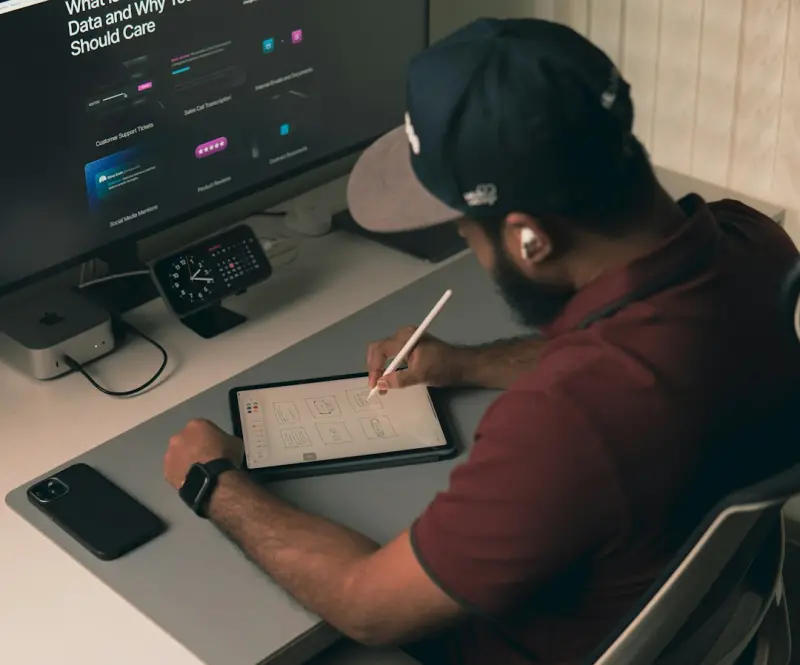
Design Ops: Scaling Remote Web Design Collaboration Without Losing Creativity
Design Ops turns scattered design effort into a cohesive, scalable process, essential for remote tea... Read More
Top Posts

Predictive Autoscaling: Making Cloud Hosting Smarter for SaaS
Predictive autoscaling shifts SaaS cloud hosting from reactive scaling to proactive, data‑driven capacity planning, cutting costs, improving latency, and enha...Read More
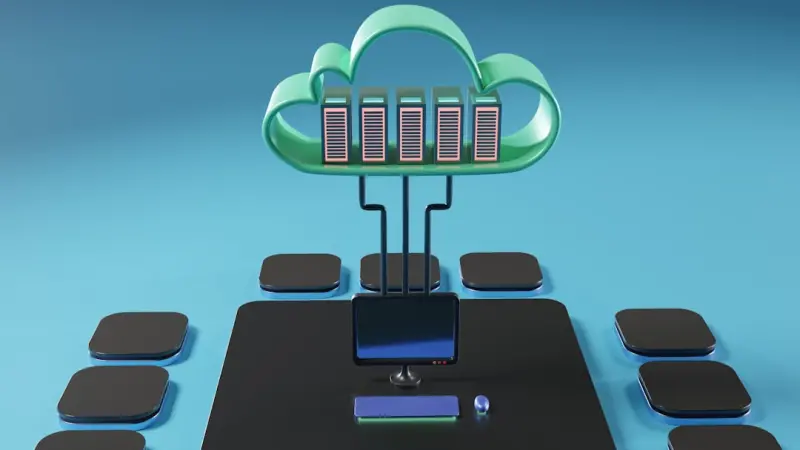
Shared Hosting Strategies for Modern SaaS Teams
Shared hosting isn’t obsolete—learn how SaaS teams can leverage it for cost‑effective launches, boost performance, ensure security, and plan smooth upgrad...Read More

Predictive Cloud Hosting: Turning Forecasts into Savings and Compliance
Predictive cloud hosting flips traditional scaling on its head, using telemetry, machine‑learning models, and policy‑as‑code to anticipate demand, reduce ...Read More

Breaking Down Content Silos: How a Modern CMS Unifies Knowledge and Powers Teams
A modern CMS can turn fragmented files and duplicated assets into a single, searchable knowledge hub, empowering every department to work from one source of tru...Read More
0 Comments
Post Comment
You will need to Login or Register to comment on this post!