

Low‑Code Is the Secret Sauce for Faster Mobile Web Delivery in SaaS
When I first started building SaaS products, every new mobile browser felt like a fresh wilderness. You’d spend weeks wrestling with responsive breakpoints, fiddling with touch gestures, and then‑again polishing performance for a device you’d never test on. The result? A perpetual sprint that ate up engineering bandwidth and delayed the moment your users could actually benefit from the solution.
Fast forward to today, and the landscape has shifted dramatically. Low‑code platforms have matured from hobby‑level drag‑and‑drop tools into enterprise‑grade ecosystems that sit comfortably alongside traditional codebases. The promise isn’t to replace developers—it’s to give product teams a shortcut for the mobile‑first parts of the experience while preserving the freedom to dive into custom code where it truly matters.
Why Traditional Mobile Web Development Is Stalling
Let’s be honest: the classic “write HTML, sprinkle CSS, add a sprinkle of JavaScript” workflow is no longer sustainable for high‑velocity SaaS teams. There are three pain points that keep popping up:
- Fragmented device ecosystem. With dozens of screen sizes, DPI ratios, and browser quirks, testing alone can consume entire sprints.
- Technical debt. Incremental fixes for performance or accessibility often turn into spaghetti code that’s hard to refactor later.
- Resource bottlenecks. Front‑end engineers are a scarce commodity, and pulling them into every mobile tweak leaves core product work on the backburner.
These issues are magnified when you layer in the expectations of B2B customers—enterprise users demand reliability, compliance, and integration capabilities that are hard to bolt on after the fact.
Low‑Code Doesn’t Mean “Low‑Quality”
One of the biggest misconceptions is that low‑code = low‑quality. The truth is the opposite. Modern low‑code platforms are built on component‑driven architectures that enforce best practices out of the box:
- Responsive grid systems that automatically adapt to any viewport.
- Built‑in accessibility checks that warn you when a component fails WCAG criteria.
- Performance budgets that prevent you from loading megabytes of unused JavaScript.
By handling these foundational concerns automatically, the platform frees your engineers to focus on the unique business logic that truly differentiates your SaaS offering.
How Low‑Code Accelerates Mobile‑First Delivery
Here’s a quick, practical breakdown of the workflow shift you’ll notice when you adopt a low‑code approach for mobile web:
- Design‑to‑Code in a single step. Designers can export UI kits directly into the low‑code environment. No hand‑off, no missing assets.
- Component library as a single source of truth. Every button, table, or chart lives in a reusable component that updates across all mobile screens with one click.
- Instant preview on device. Most platforms provide a real‑time preview that you can push to a QR code—no need to rebuild or redeploy.
- Conditional logic without JavaScript. Drag‑and‑drop workflows let you define feature toggles, role‑based UI, or offline fallbacks without writing a line of code.
- One‑click export to static host or serverless backend. When you’re ready, the platform bundles the app into an optimized bundle that can be served from a CDN, a serverless full‑stack endpoint, or even a hybrid environment for extra flexibility.
The net effect? A typical mobile feature that used to take three weeks can now be prototyped in a day and shipped in under a week.
Hybrid Cloud Hosting Meets Low‑Code: A Match Made in the Cloud
Low‑code platforms are usually delivered as SaaS themselves, but the apps you create still need a hosting strategy that matches your enterprise requirements. This is where Hybrid Cloud Hosting shines. By blending public cloud elasticity with on‑premise control, you can:
- Deploy the low‑code generated front‑end to a global CDN for sub‑second load times.
- Connect the same app to a private VPC where your core APIs and data reside, satisfying compliance mandates.
- Scale the stateless UI layer independently from the stateful backend services, keeping costs predictable.
In practice, you might host the compiled mobile web bundle on an edge‑enabled CDN while routing API calls through a hybrid gateway that balances latency and security. The low‑code platform abstracts away the deployment plumbing, letting you focus on the user experience.
Offline‑First Strategies Without the Headache
One of the biggest differentiators for mobile web is the ability to work offline—or at least appear to. Traditional approaches rely on Service Workers manually written and meticulously tested. Low‑code platforms now ship pre‑configured Service Worker templates that you can toggle on with a single switch. Features include:
- Automatic caching of static assets based on your performance budget.
- Background sync for form submissions that were made while the user was offline.
- Granular cache invalidation tied to component versioning, so you never serve stale UI.
Because these patterns are baked in, you get the offline‑first experience of a native app without the usual debugging nightmares.
When to Drop to Code: The “Hybrid Development” Model
Low‑code isn’t a silver bullet—there are scenarios where you’ll need to reach for custom code:
- Complex data visualizations. If you need a D3‑powered graph that goes beyond the built‑in chart component, you can embed a custom widget.
- Deep integration with legacy systems. When an API requires bespoke authentication flows, a low‑code “code block” can handle the handshake.
- Performance‑critical sections. For ultra‑low‑latency interactions, you might hand‑craft a WebAssembly module—though that’s a niche use case.
The key is to treat low‑code as the default and only fall back to code when the problem truly demands it. This “hybrid development” mindset preserves agility while ensuring you don’t compromise on capability.
Measuring Success: Metrics That Matter
Adopting low‑code is a strategic move, but you need data to prove its ROI. Here are the top KPIs you should track:
- Time‑to‑Market (TTM). Compare the days from concept to production before and after low‑code adoption.
- Front‑End Defect Rate. Monitor the number of bugs reported in mobile UI per release.
- Performance Budget Compliance. Measure the percentage of releases that stay under the defined bundle size and load‑time thresholds.
- Engineering Utilization. Track the proportion of front‑end capacity spent on core product logic versus UI scaffolding.
When you see a steady reduction in TTM and defect rates, you’ve validated that low‑code is delivering real business value.
Future‑Proofing: Low‑Code as a Platform for Continuous Innovation
One of the most underrated benefits is how low‑code positions your team for rapid iteration. Because UI components are versioned and reusable, a design system update rolls out automatically across every mobile screen. This makes it trivial to:
- Introduce a new brand color palette without hunting down hard‑coded values.
- Roll out micro‑interactions (e.g., animated button feedback) that are consistent everywhere.
- Experiment with A/B tests on mobile features by swapping component variants in the low‑code UI.
The result is a feedback loop where product, design, and engineering can collaborate in near real‑time—exactly the velocity that modern SaaS customers expect.
Getting Started: A Practical Playbook
If you’re convinced (or even a little curious), here’s a step‑by‑step plan to pilot low‑code for your mobile web stack:
- Identify a low‑complexity mobile feature. Think of a simple dashboard widget or a settings page.
- Choose a low‑code platform that integrates with your existing CI/CD pipeline. Look for native support for your authentication provider and API gateway.
- Map the UI to pre‑built components. Use the platform’s component library to assemble the layout.
- Enable offline‑first mode. Turn on the Service Worker template and configure the caching rules.
- Deploy to a staging environment backed by hybrid cloud. Use the same deployment pipeline you use for the rest of your SaaS app.
- Run a usability test. Gather feedback from a small group of power users and iterate.
- Measure the KPIs. Capture TTM, defect rates, and performance metrics to compare against your baseline.
Once the pilot proves successful, you can expand the scope, gradually migrating more of your mobile UI into the low‑code ecosystem while still preserving custom code where you need it.
Conclusion: The Competitive Edge Is in Speed, Not Just Features
In the SaaS world, the race isn’t about who builds the most feature‑rich product—it’s about who can deliver value to the user’s hands, literally, faster and more reliably. Low‑code platforms give you the scaffolding to build mobile‑optimized experiences at warp speed, while hybrid cloud hosting ensures that performance and compliance stay rock‑solid. By treating low‑code as a strategic layer rather than a gimmick, you empower your entire product team to move from endless iteration cycles to rapid, data‑driven releases.
So the next time you’re asked to “speed up the mobile UI,” consider asking whether you’ve built it on a low‑code foundation first. It might just be the secret sauce that turns a good SaaS product into a market‑leading, mobile‑first powerhouse.

Brian LeBlanc is a front-end web developer, UX designer, and web application developer with experience building scalable, user-friendly digital solutions.Holding a degree from University, he specializes in leveraging a wide array of modern languages, frameworks, and tools—such as JavaScript/ES6, HTML5/CSS3, PHP, and responsive interface design—to create efficient applications that simplify user experiences.
Related Posts

Privacy‑First Mobile Web Development: Trust, Speed, and Compliance
A privacy‑first approach turns user trust into a competitive advantage. This guide outlines practi... Read More

WebAssembly: The Mobile Web’s Secret Weapon for SaaS Performance
WebAssembly brings near‑native speed to mobile browsers, letting SaaS teams offload heavy computat... Read More

Beyond the Screen: Crafting Ultra‑Fast Mobile Web Experiences with Adaptive Rendering
Adaptive rendering lets you serve exactly what a device needs at any moment, combining edge‑first ... Read More
Top Posts
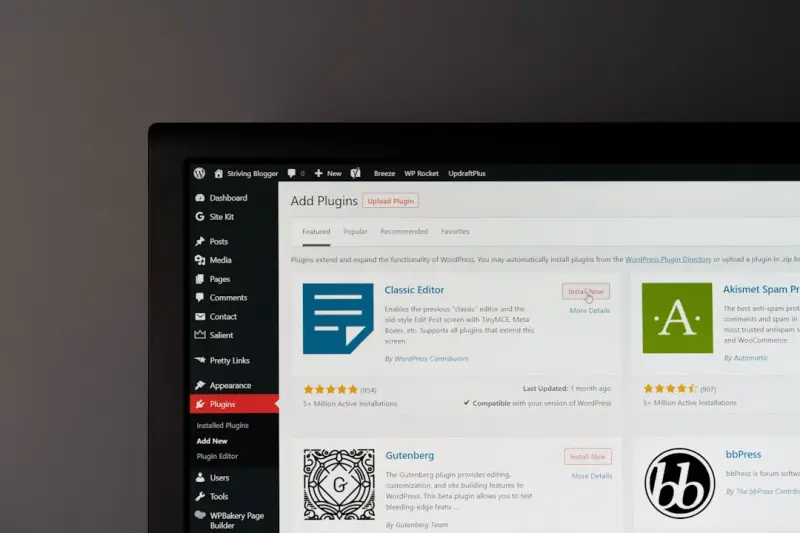
Fortifying Managed WordPress Hosting: Compliance, Security, and Peace of Mind
A deep dive into how modern managed WordPress providers can turn security and compliance into a competitive advantage, with practical checklists and future‑fo...Read More

Governance‑First CMS: Building Trustworthy Content at Scale
A governance‑first approach to CMS design ensures content aligns with brand, legal, and regional standards while maintaining speed, turning editorial rigor in...Read More
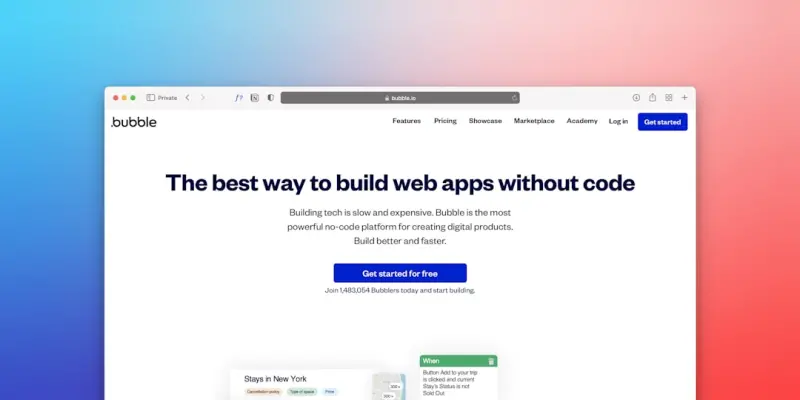
Bootstrap as the Backbone of a Scalable SaaS Design System
Bootstrap isn’t just a UI kit; it’s a strategic foundation for building scalable, accessible, and fast SaaS design systems that grow with your product....Read More

Predictive Churn Modeling: How Data‑Driven Insight Fuels SaaS Retention
Predictive churn modeling transforms reactive retention tactics into proactive, data‑driven actions. This guide walks SaaS teams through building, deploying, ...Read More
0 Comments
Post Comment
You will need to Login or Register to comment on this post!