
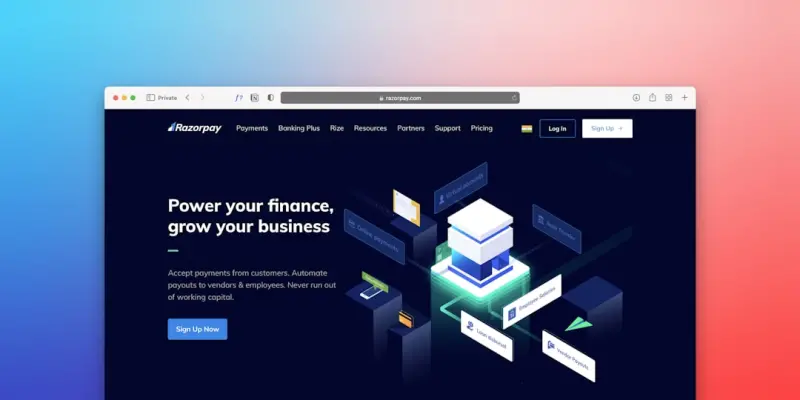
Turning WordPress Themes into a Scalable Brand Engine for B2B SaaS
When I first started tinkering with WordPress for my own side projects, I treated a theme like a decorative skin – something you slap on and forget about. Fast forward to today, and that mindset feels almost criminal. In the world of B2B SaaS, a theme isn’t just a visual wrapper; it’s a strategic asset that can enforce brand fidelity, accelerate product roll‑outs, and reduce technical debt across multiple product lines.
Why “Theme” Matters More Than “Template”
Most SaaS teams talk about templates when they discuss landing pages, but a theme operates at a higher abstraction level. It dictates:
- Global typography and color palettes.
- Component styling conventions that developers can rely on without second‑guessing.
- Responsive behavior baked into the CSS framework, not bolted on later.
- Integration points for headless rendering, API hooks, and custom post types.
When these elements are codified in a reusable theme, you create a brand engine – a single source of truth that powers every web experience you own, from marketing microsites to the core SaaS UI.
Design Tokens: The Glue Between Brand and Code
At the heart of a brand‑centric theme lies a set of design tokens. Think of tokens as named variables for colors, spacing, font weights, and shadow depths. By storing them in a JSON or SCSS map, you give designers and developers a shared vocabulary. The benefits are immediate:
- Instant brand updates. Change a primary color in one place and watch it ripple across dashboards, help docs, and marketing pages.
- Consistent UI. No more “I think this button should be #ff6600 – but the rest of the app uses #ff5500.”
- Reduced QA friction. Automated visual regression tests can compare token outputs rather than pixel‑perfect screenshots.
Implementing tokens in WordPress is straightforward. Register them as WP_Theme_JSON_Resolver data, then pull them into Gutenberg blocks, custom PHP templates, or even a headless front‑end built with React or Vue.
Component‑First Architecture Without the “Composable” Buzzword
While the industry loves the “composable” label, the real value comes from a disciplined component‑first approach. Here’s how to make it work in a WordPress theme:
- Define a UI library. Build a set of reusable block patterns and shortcodes that map one‑to‑one with your design system.
- Encapsulate behavior. Use
wp_enqueue_script_moduleto attach JavaScript modules directly to block registrations, ensuring each component carries its own logic. - Version your components. Tag each component with a semantic version (e.g.,
button@1.2.0) so downstream teams can lock to a stable API.
This methodology not only streamlines internal hand‑offs but also lays the groundwork for future headless deployments. When your SaaS decides to serve a native mobile app, the same component library can be exported as a React Native module, preserving brand consistency across platforms.
Brand‑Driven Multi‑Tenant Deployments
Many B2B SaaS companies host multiple tenant portals under a single WordPress installation. A well‑architected theme makes that scenario painless:
- Tenant‑specific overrides. Store a tenant identifier in the user meta and load a corresponding
style.cssfragment that pulls from the same token set. - Dynamic asset pipelines. Use
wp_enqueue_stylewith a query string that reflects the tenant’s brand hash, leveraging browser caching while keeping the CSS unique per tenant. - Central governance. A single theme update propagates to all tenants, reducing patch cycles and eliminating version drift.
This approach also dovetails nicely with a micro‑frontends strategy. Each tenant can be thought of as a “micro‑site” that consumes the same theme components, but with its own branding veneer.
Performance Isn’t an Afterthought – It’s Built In
WordPress themes have a reputation for being bloated, but that’s a myth you can bust with disciplined engineering:
- Critical CSS extraction. Generate a minimal CSS payload for above‑the‑fold content during the build step, then defer the rest.
- Lazy loading of block assets. Register block scripts as
deferor use IntersectionObserver to only fetch them when needed. - Server‑side rendering (SSR) hooks. Leverage the
render_blockfilter to pre‑render heavy components, reducing client‑side processing.
The payoff is measurable: lower Time to Interactive (TTI), better Core Web Vitals, and ultimately a higher conversion rate for the SaaS sales funnel.
Integrating with the Wider SaaS Toolchain
A theme that lives in isolation is a missed opportunity. Here are three integration points you should consider:
- Feature flag services. Wrap conditional blocks in a
if (feature_is_active('new-dashboard'))check. This mirrors the developer experience superpower mindset, letting product teams ship UI experiments without code forks. - Analytics hooks. Emit standardized events from every interactive element (e.g., button clicks) using the
data-analytics-idattribute. Consolidate these events in a single data layer for downstream BI pipelines. - Content API extensions. Expose theme‑specific metadata (like token values) via the REST API, allowing external services to render brand‑accurate emails or PDF reports.
When your theme becomes a first‑class citizen in the SaaS ecosystem, you gain agility that goes far beyond visual polish.
Maintaining Governance at Scale
Large SaaS organizations often struggle with “theme drift” – where teams start customizing core files, leading to a maintenance nightmare. To prevent this:
- Enforce a pull‑request workflow. Require every change to the theme repository to pass automated linting, unit tests, and visual regression suites.
- Document token usage. Keep a living style guide (Storybook or Pattern Lab) that showcases every token, component, and variant.
- Adopt a release cadence. Treat the theme like any other SaaS component: version it, tag releases, and provide changelogs.
This governance model ensures that the brand engine remains stable, secure, and easy to evolve.
Future‑Proofing: The Headless Pivot
WordPress is increasingly being used as a headless CMS, feeding JSON to front‑ends built with modern JavaScript frameworks. A theme designed with headless in mind offers two major advantages:
- Seamless migration. If you decide to replace the front‑end with a full‑stack React app, the same design tokens and component definitions can be re‑used, slashing redevelopment costs.
- Omni‑channel consistency. Whether a user is on a web portal, a mobile app, or an embedded widget, the brand look‑and‑feel stays identical because it originates from a single source.
Plan for this from day one: expose your token map via /wp-json/wp/v2/theme-tokens and ensure your block assets are framework‑agnostic.
Conclusion: From Cosmetic Layer to Strategic Asset
In the SaaS playbook, speed, consistency, and brand trust are non‑negotiable. A well‑engineered WordPress theme can deliver all three, turning a mere cosmetic layer into a strategic brand engine. By embracing design tokens, component‑first architecture, multi‑tenant support, and deep integration with your SaaS toolchain, you future‑proof your product while keeping engineering overhead low.
Take the time to audit your current theme, codify your visual language into tokens, and lock down a governance process. The payoff isn’t just prettier pages – it’s a faster go‑to‑market, reduced technical debt, and a unified brand experience that your customers will notice and appreciate.

Dale Peterson is a freelance writer with a passion for technology, travel, law and personal finance. With 10 years of experience crafting compelling and informative content, he's dedicated to delivering high-quality writing for Blogging Fusion that engages audiences and achieves specific goals.
Related Posts
Performance‑First WordPress Themes: The Hidden Engine Behind Conversions
A performance‑first WordPress theme isn’t just about aesthetics; it’s a revenue‑driving engi... Read More

AI‑Augmented WordPress Themes: A New Frontier for B2B SaaS
AI‑augmented WordPress themes bridge design tokens and code, delivering faster page builds, consis... Read More
Performance‑First WordPress Themes: The Competitive Edge for SaaS
A performance‑first WordPress theme eliminates bloat, improves Core Web Vitals, and drives higher ... Read More
Top Posts

Crafting a Mobile‑First Architecture for Modern SaaS Experiences
A deep dive into building fast, resilient, and user‑friendly mobile web experiences for SaaS products, covering edge SSR, incremental hydration, touch‑optim...Read More
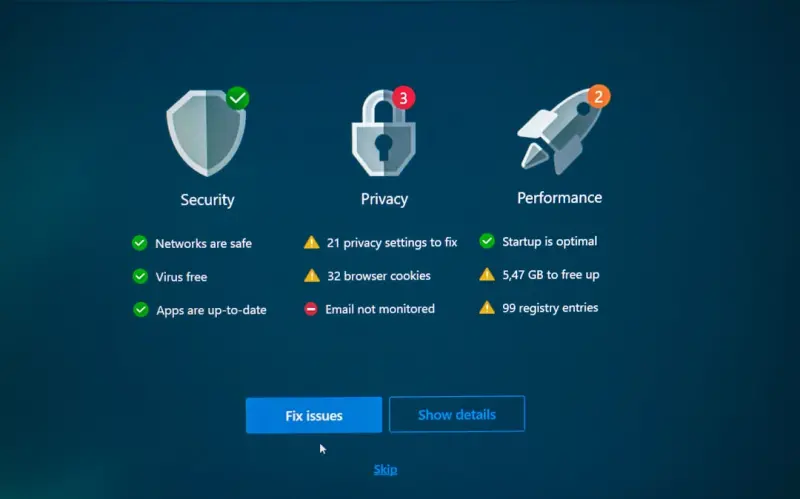
VPS Security & Compliance Playbook for B2B SaaS
A deep dive into turning a standard virtual private server into a hardened, audit‑ready platform for regulated B2B SaaS, with practical steps, automation tips...Read More

Serverless Cloud Hosting: Balancing Flexibility, Performance, and Cost
Serverless cloud hosting abstracts infrastructure, offering pay‑as‑you‑go pricing and automatic scaling. This post details ideal use cases, hybrid archite...Read More

Observability‑Driven DevOps: Steering Reliability in Distributed Systems
Observability isn’t just a buzzword—it’s the compass that can steer your DevOps practice from reactive firefighting to proactive reliability, especially i...Read More
0 Comments
Post Comment
You will need to Login or Register to comment on this post!