
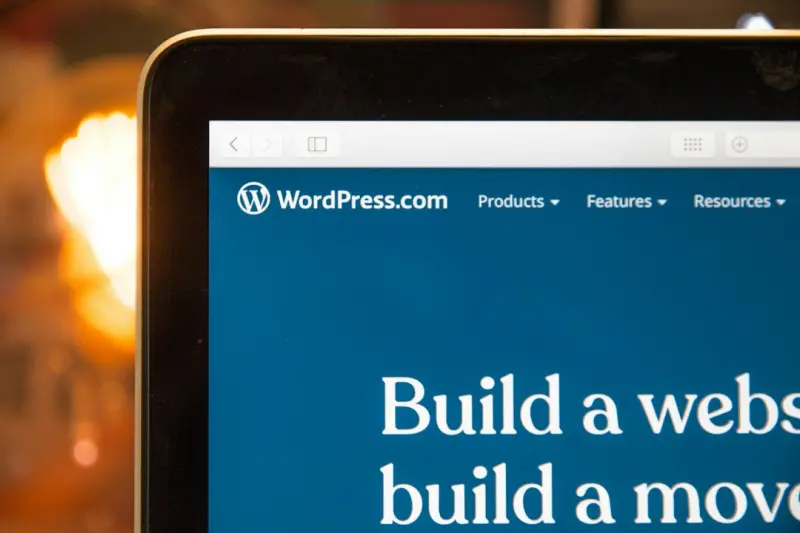
Why Decoupling WordPress Is the Game‑Changer Enterprise Teams Have Been Waiting For
WordPress has spent the last two decades mastering the art of content publishing. From humble blog posts to sprawling e‑commerce empires, it’s become the default platform for anyone who wants to put words on the web without wrestling with a team of developers. But as B2B SaaS organizations grow, the monolithic “all‑in‑one” model starts to feel cramped. Front‑end teams crave the agility of modern JavaScript frameworks, marketers demand lightning‑fast page loads, and security auditors need strict separation between the content layer and the delivery layer.
Enter the headless—or decoupled—approach. By using WordPress purely as a content repository and exposing its data via APIs, you can let any front‑end technology render that content wherever it’s needed: a Next.js web app, a React Native mobile client, an email template, or even an IoT dashboard. This shift isn’t just a technical curiosity; it’s a strategic move that aligns your content stack with the velocity, scalability, and security expectations of today’s enterprise customers.
The Evolution: From Blog Engine to Enterprise‑Ready Content Hub
When Matt Mullenweg first released WordPress, the goal was simple: give anyone a simple way to publish online. Over the years, the platform has added custom post types, taxonomies, the REST API, and a thriving block editor ecosystem. Those additions weren’t just feature upgrades—they were signals that WordPress was maturing into a content hub capable of feeding multiple channels.
What differentiates the modern WordPress from its early days is the shift from “render‑once” to “serve‑once, render‑anywhere.” The core now ships with a robust block‑based editing experience that lets non‑technical editors craft rich pages, while developers can pull the same structured data through the REST API or GraphQL endpoints for use in any front‑end framework.
Key Benefits of a Headless WordPress Architecture
- Performance at scale. By offloading rendering to a static site generator or a server‑side rendering (SSR) framework, you can serve pre‑built HTML from edge locations, dramatically reducing time‑to‑first‑byte.
- Omnichannel reach. The same JSON payload can populate a website, a mobile app, a chatbot, or a digital signage screen without duplicating content.
- Developer freedom. Front‑end teams choose the tools they love—React, Vue, Svelte—while WordPress remains the trusted backend for editors.
- Enhanced security. The public site never directly contacts the WordPress PHP runtime, limiting exposure to common vulnerabilities.
- Future‑proofing. As new presentation layers emerge (AR, voice, VR), you only need to build a new consumer for the existing API.
Choosing the Right API: REST vs. GraphQL
WordPress ships with a fully featured REST API out of the box. It’s straightforward, well‑documented, and works seamlessly with most static site generators. However, as content models become more complex—nested ACF fields, relationships, and conditional blocks—REST can become chatty, forcing you to make multiple round‑trips.
Enter GraphQL. By installing the WPGraphQL plugin, you gain a single endpoint that lets you request exactly what you need, no more, no less. This reduces payload size and improves performance, especially on mobile networks. The trade‑off is a steeper learning curve and the need to manage schema changes as your content evolves.
Building the Front‑End: Frameworks That Play Nicely with WordPress
There’s no “one size fits all” answer, but a few frameworks have emerged as favorites for headless WordPress projects:
- Next.js – Offers hybrid static & server‑side rendering, incremental static regeneration, and built‑in image optimization. Perfect for SEO‑critical B2B landing pages.
- Remix – Focuses on data loading patterns that align closely with the way WordPress delivers JSON, making cache management a breeze.
- Astro – Lets you ship zero‑JS by default, rendering content to static HTML and only loading interactive components when needed.
Whichever framework you choose, the pattern stays the same: fetch JSON from WordPress during the build or at request time, map that data to UI components, and let the framework handle routing, caching, and rendering.
Content Modeling: Making Your API Friendly
When you treat WordPress as a headless source, the way you structure content matters more than ever. Here are a few best‑practice tips:
- Leverage custom post types (CPTs) to represent distinct business objects—product sheets, case studies, API docs.
- Use Advanced Custom Fields (ACF) or the native block editor to create repeatable field groups, then expose them via WPGraphQL for clean queries.
- Normalize relationships. Rather than embedding large HTML blobs, store references (post IDs) and let the front‑end resolve them.
- Version your content. Enable revisions for critical content types so you can roll back changes without touching the front‑end code.
Balancing Editorial Power with API Delivery
One of the biggest concerns for content teams is losing the “what‑you‑see‑is‑what‑you‑get” (WYSIWYG) experience when moving to a headless setup. The answer lies in a hybrid approach: keep the block editor for content creation, but configure it to output structured JSON alongside the traditional HTML rendering.
Tools like Performance‑First WordPress Themes already prioritize fast front‑end delivery, and many of those themes now include block patterns that map cleanly to API fields. By pairing a well‑designed block library with a headless front‑end, editors retain visual fidelity while developers receive predictable data structures.
Performance at Scale: Caching, CDNs, and Edge Rendering
Headless doesn’t automatically equal fast. You still need to think about how the API data is cached and delivered:
- Edge caching. Services like Vercel, Netlify, or Cloudflare Workers can cache API responses at the edge, reducing latency for global users.
- Stale‑while‑revalidate. Serve slightly older content while fetching fresh data in the background—ideal for product documentation that changes infrequently.
- Incremental static regeneration. In Next.js, you can re‑generate a single page on demand when its underlying WordPress entry changes, keeping the build fast.
Combine these techniques with HTTP/2 push and proper image optimization, and you’ll hit sub‑second load times even under heavy traffic.
Security Benefits of Decoupling
By separating the public‑facing front‑end from the WordPress admin, you dramatically shrink the attack surface:
- The public site never loads
wp‑adminorwp‑login.php, so brute‑force attacks on login pages are mitigated. - API endpoints can be throttled, authenticated (using JWT or OAuth), and monitored independently of the front‑end.
- WordPress core can be hardened behind a private network, receiving updates without exposing the PHP runtime to the internet.
Pair these measures with a WAF and regular vulnerability scans, and you’ll meet the compliance demands of regulated industries without sacrificing agility.
Migration Strategies: From Monolith to Hybrid
Going headless doesn’t have to be an all‑or‑nothing project. Here are three pragmatic pathways:
- Incremental migration. Start with a single high‑traffic landing page, serve it via a static framework, and gradually pull more sections over as you refine your API.
- Hybrid rendering. Keep the classic theme for legacy pages while overlaying a Next.js layer for new product pages. Use WordPress’s template hierarchy to route requests accordingly.
- Full decoupling. When the business case demands it—e.g., omnichannel experiences across web, mobile, and voice—commit to a pure API‑first architecture and retire the traditional theme.
Real‑World Use Cases: Where Headless WordPress Shines
Internal knowledge bases. By exposing documentation as JSON, you can embed it in a SaaS portal, a Slack bot, or a CLI tool, ensuring every employee sees the same up‑to‑date content.
Product launch microsites. Build a fast, SEO‑friendly microsite in Next.js that pulls product specs, media assets, and testimonials from WordPress, then retire the site after the campaign without touching the core CMS.
Personalized marketing experiences. Combine WordPress content with a real‑time personalization engine. The front‑end can fetch user segments and render tailored copy on the fly, while editors continue to manage the base content.
Best‑Practice Checklist for a Successful Headless WordPress Project
- Define clear content models before writing code.
- Choose the right API strategy (REST vs. GraphQL) based on data complexity.
- Implement robust caching at both the API and edge levels.
- Secure API endpoints with authentication and rate limiting.
- Maintain a fallback rendering path for SEO crawlers and non‑JS browsers.
- Set up CI/CD pipelines for both WordPress (PHP) and the front‑end (Node).
- Monitor performance metrics (TTFB, LCP) and error logs continuously.
Conclusion: Embrace the Freedom of Decoupled Content
The conversation around WordPress has moved past “is it a blog platform?” and settled on “can it power the entire digital experience stack?” By treating WordPress as a headless content hub, you unlock the best of both worlds: a familiar, battle‑tested editing environment for marketers and a cutting‑edge, framework‑agnostic front‑end for developers. The result is a resilient, high‑performing, and secure web presence that scales with the ambitions of modern B2B SaaS businesses.
Ready to start the journey? Begin by mapping your most critical content types, spin up a small Next.js prototype, and let your data flow freely. The future of enterprise web isn’t about choosing between WordPress or a JavaScript framework—it’s about weaving them together into a seamless, composable experience.

Alex Moss is a digital marketing professional and SEO consultant, focusing on technical and structural SEO along with product development. With more than six years of experience in various facets of digital marketing, he has assisted brands of all sizes in establishing and enhancing their online presence, as well as fostering increased product loyalty.
Related Posts
Gutenberg as a Rapid‑Prototype Engine for SaaS Feature Development
Learn how using WordPress Gutenberg’s block editor transforms SaaS feature prototyping, enabling r... Read More
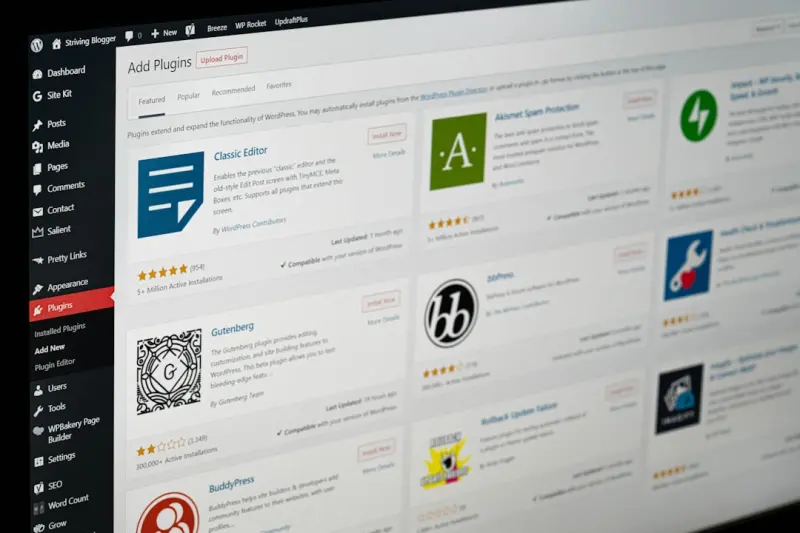
WordPress as the Enterprise Knowledge Hub: Edge Performance, Personalization, and Governance
Learn why WordPress is the ideal foundation for an enterprise knowledge hub, offering custom content... Read More

Why WordPress Is the Unsung Hero for B2B Knowledge Bases
Learn why WordPress, with its custom post types, Gutenberg blocks, and REST API, is the ideal platfo... Read More
Top Posts
Reclaiming Performance: When Dedicated Servers Outrun the Cloud for Critical Workloads
Dedicated servers provide raw performance, deterministic latency, and deep hardware control that many cloud solutions can’t match, making them ideal for highâ...Read More

Seeing the Future: How Augmented Reality Is Transforming E‑Commerce
A deep dive into why augmented reality is the game‑changer e‑commerce brands need, covering practical implementation steps, measurable ROI, and how AR syner...Read More

Zero‑Downtime Deployments: The New Baseline for Managed WordPress Hosting
A deep dive into building zero‑downtime workflows on managed WordPress platforms, covering immutable infrastructure, blue‑green swaps, feature‑flag rollou...Read More
Why Headless WordPress on Managed Hosts Is the Secret Weapon for Modern Enterprises
Learn why pairing headless WordPress with a managed host gives enterprises unmatched performance, security, and developer agility, turning the familiar CMS into...Read More
0 Comments
Post Comment
You will need to Login or Register to comment on this post!