
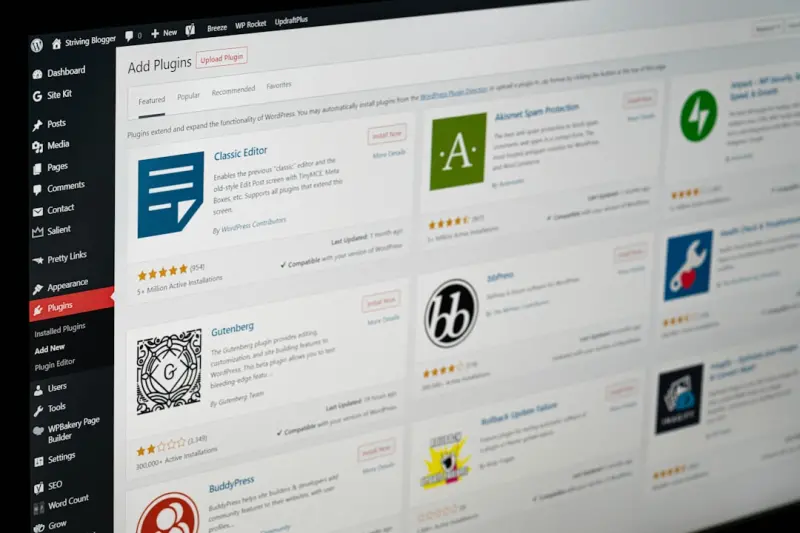
Rethinking Managed WordPress Hosting for High‑Velocity SaaS Teams
When I first migrated a client’s marketing site onto a managed WordPress platform, I expected a simple “set‑and‑forget” experience. What I discovered instead was a hidden lever that could accelerate product rollouts, tighten security, and shrink operational overhead for the entire organization. In today’s hyper‑competitive SaaS landscape, the right hosting partner can be as strategic as a new API or a revamped UI framework.
Why “Managed” Matters More Than “Hosted”
WordPress itself is a battle‑tested publishing engine, but the real differentiator lies in the service layer that sits beneath it. A managed solution bundles automatic updates, proactive security hardening, performance tuning, and expert support into a single, consumable offering. This means developers no longer need to juggle core upgrades, plugin compatibility, and server patches while trying to ship new features.
For SaaS teams, this translates into three concrete advantages:
- Predictable uptime. SLA‑backed guarantees keep your brand‑site online during peak traffic spikes.
- Reduced toil. Routine maintenance is offloaded, freeing engineers to focus on the product core.
- Scalable performance. Built‑in caching, CDN integration, and auto‑scaling ensure that page loads stay lightning‑fast even as visitor counts climb.
Architecting a Multi‑Tenant WordPress Footprint
Many SaaS companies treat their WordPress presence as a single‑tenant website, but the platform can be stretched to serve multiple brands, regions, or product lines from one managed environment. By leveraging multi‑tenant architecture strategies—even if originally described for a different CMS—you can isolate data, apply brand‑specific themes, and enforce granular permissions without spawning a separate server for each site.
Key patterns include:
- Network (multisite) mode. WordPress Multisite lets you spin up new sites in minutes while sharing the same codebase and database cluster.
- Domain mapping. Assign unique domains or sub‑domains to each tenant, preserving SEO equity.
- Selective plugin activation. Enable only the plugins required for a specific tenant, reducing bloat and attack surface.
When combined with a managed provider’s automatic backup and cloning capabilities, rolling out a new tenant becomes a matter of clicking “Create” rather than scripting a full server stack.
Performance‑Centric Configurations Without the Headache
One of the biggest misconceptions about managed WordPress is that you surrender control over performance knobs. In reality, leading providers expose a suite of tunable settings via dashboards or API endpoints. Think of them as a curated performance menu:
- Object caching. Persistent caches (Redis or Memcached) store query results and reduce database load.
- Edge caching. Integrated CDNs serve static assets from the nearest PoP, slashing latency.
- PHP version selection. Running the latest stable PHP runtime yields up to 20% faster script execution.
By systematically enabling these options, you can achieve Google PageSpeed scores that rival custom‑built static sites while retaining the flexibility of a full CMS.
Security as a Competitive Advantage
WordPress powers a large portion of the web, making it a frequent target for automated attacks. Managed hosts mitigate this risk through:
- Isolated environments. Each site runs in its own container, preventing a breach from spilling over.
- Real‑time malware scanning. Daily scans catch malicious code before it reaches users.
- Web Application Firewall (WAF). Rulesets block common exploits such as SQL injection and cross‑site scripting.
These safeguards not only protect the brand but also reduce the need for a dedicated security ops team—an important cost saver for early‑stage SaaS ventures.
Integrating WordPress Into Your CI/CD Pipeline
Modern development workflows demand that every code change be testable, reviewable, and deployable via automation. Managed WordPress providers are increasingly offering API hooks and Git‑based deployment pipelines that let you treat the CMS like any other microservice.
Typical steps include:
- Commit theme or plugin updates to a feature branch.
- Run automated linting and unit tests with tools such as
WP‑CLIandPHPUnit. - Push the branch to the provider’s staging environment for manual QA.
- Merge to
mainand trigger a one‑click production rollout.
Because the underlying infrastructure is abstracted away, the deployment pipeline remains lightweight, and rollbacks can be executed instantly via the provider’s snapshot feature.
Cost Predictability and Budget Alignment
Traditional shared hosting often hides cost spikes behind bandwidth overages or surprise upgrade fees. Managed WordPress plans, on the other hand, are typically subscription‑based with transparent tiers that include:
- Monthly traffic caps with generous over‑age buffers.
- Unlimited storage for assets (images, PDFs, video).
- All‑inclusive support, eliminating the need for a separate DevOps contractor.
This predictable expense model aligns perfectly with SaaS financial planning, where cash flow forecasting is critical for investor confidence.
Leveraging the Ecosystem: Headless WordPress and Decoupled Front‑Ends
While many teams run a classic monolithic WordPress site, the “headless” approach—exposing content via the REST or GraphQL API—opens doors to richer user experiences. Your product’s front‑end can be built with React, Vue, or Svelte, pulling data from WordPress while benefitting from the same managed infrastructure.
Benefits include:
- Faster time‑to‑market. Front‑end developers work in their preferred stack without wrestling with PHP quirks.
- Improved scalability. The API can be cached separately, allowing independent scaling of content delivery.
- Future‑proofing. Switching to a new front‑end framework only requires updating API consumers, not the CMS itself.
Case Study: Turning a Shared Hosting Setup into a Managed Powerhouse
One of our early clients started on a basic shared hosting plan—a low‑cost entry point that quickly became a bottleneck as traffic surged. By migrating to a managed WordPress platform, they realized:
- 30% reduction in page load times thanks to built‑in CDN and PHP opcache.
- Zero downtime during a major product launch, thanks to automated failover.
- A 40% decrease in internal support tickets related to WordPress glitches.
For a deeper look at the journey from shared hosting to a robust solution, see Shared Hosting as a Launchpad for Micro‑SaaS Success. The principles apply just as well to larger SaaS operations that need to scale gracefully.
Best Practices Checklist
Before you commit to a managed WordPress provider, run through this quick audit:
- SLAs & Uptime Guarantees. Aim for 99.9% or higher.
- Backup Frequency. Daily snapshots with on‑demand restores.
- Security Features. WAF, malware scanning, and isolated containers.
- Performance Tools. Integrated caching, CDN, and PHP version control.
- CI/CD Compatibility. API access for automated deployments.
- Support Channels. 24/7 live chat or phone support with WordPress expertise.
Cross‑checking these items ensures that the hosting partner truly serves as a strategic extension of your engineering team.
Looking Ahead: The Evolution of Managed WordPress in the SaaS World
As serverless compute and edge‑first networking become mainstream, managed WordPress providers are beginning to layer those capabilities into their offerings. Imagine a scenario where a content request is served from a Cloudflare Worker, while the underlying WordPress instance scales to zero during off‑peak hours. This hybrid model promises even lower costs and faster response times.
Staying ahead of the curve means regularly revisiting your hosting contract, monitoring emerging features, and advocating for roadmap items that align with your product strategy. In short, treat your managed WordPress service not as a static utility, but as an evolving platform that can accelerate your SaaS roadmap.
By embracing managed WordPress hosting as a core piece of your technology stack, you unlock a hidden engine of speed, security, and scalability—allowing your team to focus on building the product that truly differentiates your business.

Sanji Patel has dedicated 25 years to the SEO industry. As an expert SEO consultant for news publishers, he emphasizes providing both technical and editorial SEO services to news publishers worldwide. He frequently speaks at conferences and events globally and offers annual guest lectures at local universities.
Related Posts

Managed WordPress Hosting: The Strategic Lever Every B2B SaaS Needs
Managed WordPress hosting removes operational friction, giving SaaS teams faster releases, stronger ... Read More

Unlocking the Hidden Power of Managed WordPress Hosting for Seasonal Traffic Surges
Seasonal traffic spikes can cripple a site, but with the right Managed WordPress Hosting—featuring... Read More
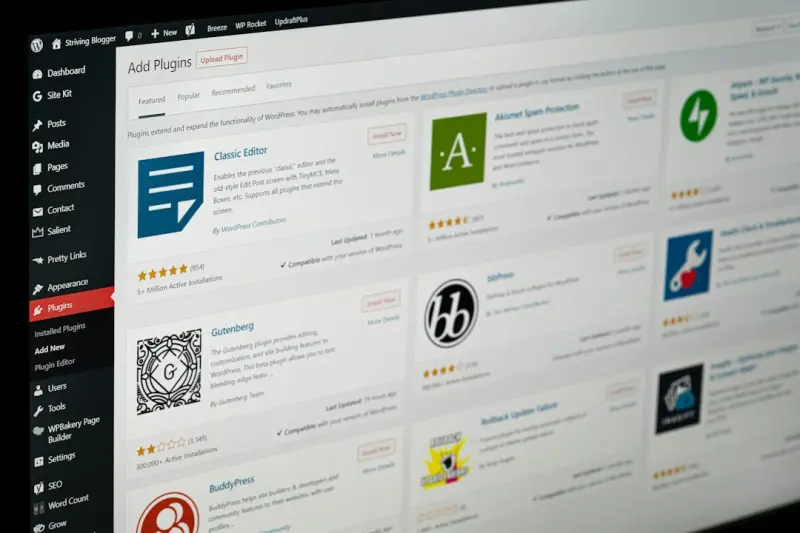
Managed WordPress Hosting: The Enterprise API Engine You’ve Been Overlooking
Managed WordPress hosting turns WordPress into a reliable API engine, delivering performance, securi... Read More
Top Posts
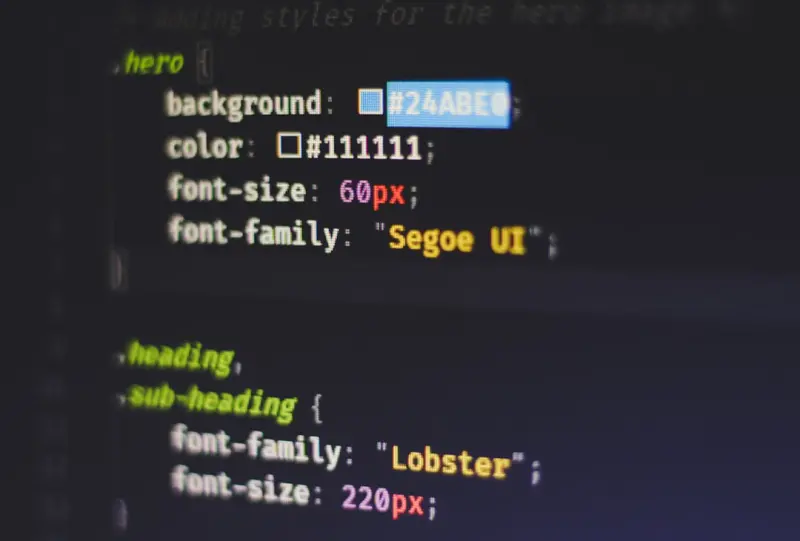
Beyond Media Queries: Harnessing CSS Container Queries for SaaS UI Excellence
Container queries shift responsive design from viewport‑centric media queries to component‑centric sizing, offering SaaS teams true UI encapsulation, reduce...Read More

Real‑Time Inventory Visibility: Turning Stock Uncertainty into Sales Confidence
Real‑time inventory visibility reduces cart abandonment, drives higher average order values, and builds brand loyalty. Learn the technical roadmap, common pit...Read More

From Reseller to Relationship Builder: Turning Hosting Partnerships into Loyal Communities
Reseller hosting thrives when providers treat partners as allies, not just customers. Discover a three‑pillar approach—proactive support, human‑centric au...Read More

Turning Your VPS into an AI Experimentation Hub for SaaS
A Virtual Private Server can be the perfect low‑cost sandbox for SaaS teams to prototype, test, and even run production AI models, combining performance, secu...Read More
0 Comments
Post Comment
You will need to Login or Register to comment on this post!