
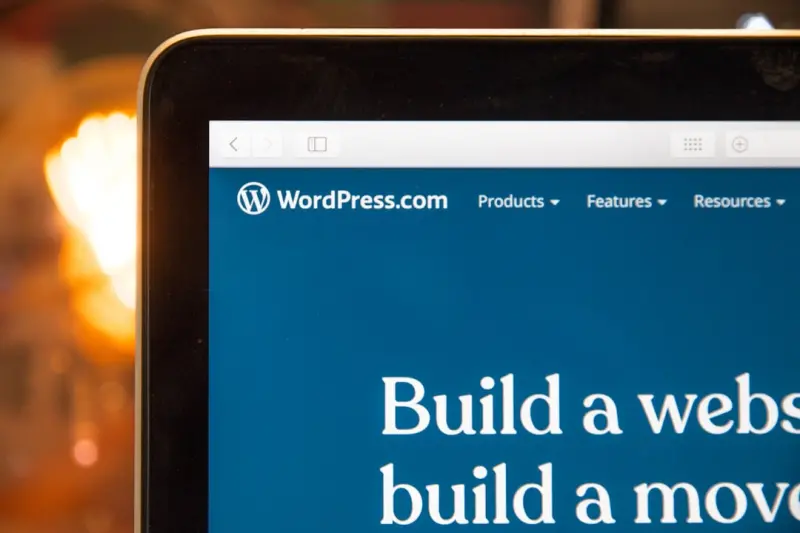
When I first started tinkering with WordPress themes, the prevailing wisdom was “pick a theme, tweak the CSS, and you’re good to go.” That mindset served hobbyists well, but as enterprises began to treat WordPress as the backbone of their digital experience platforms, the old one‑size‑fits‑all approach started to crumble. In today’s fast‑moving business climate, a theme isn’t just a skin; it’s a living, breathing codebase that must adapt to product roadmaps, brand evolutions, and ever‑shifting performance expectations. This is why I’ve become obsessed with modular WordPress themes – a strategy that lets teams ship features faster, keep sites lightning‑quick, and stay in lockstep with design and engineering squads.
The Rising Demand for Theme Flexibility
Enterprises today juggle dozens of products, dozens of campaigns, and a growing number of compliance requirements. A monolithic theme that bundles every possible layout, script, and style into a single functions.php file quickly turns into a maintenance nightmare. When a single line of CSS breaks a header on one brand site, the ripple effect can cripple the entire portfolio. The Managed WordPress Hosting ecosystem has already taught us that isolation and predictability are non‑negotiable; the same principle applies to the theme layer.
Modern product teams crave two things: speed and certainty. Speed, because they need to launch new landing pages, microsites, or feature flags in days, not weeks. Certainty, because any theme regression can damage brand trust and SEO equity. Modularity answers both by breaking the theme into self‑contained pieces that can be tested, versioned, and deployed independently.
Deconstructing the Monolithic Theme Myth
It’s tempting to think a monolithic theme is simpler – after all, everything lives under one roof. But simplicity is an illusion. The hidden cost is technical debt that compounds with each new requirement. A typical “all‑in‑one” theme might contain:
- Hard‑coded page templates that never get reused.
- Global CSS that forces a single visual language across unrelated sections.
- JavaScript bundles that load on every request, regardless of necessity.
- PHP functions that intertwine business logic with presentation concerns.
When you separate these concerns into distinct modules—templates, blocks, style packages, and functional plugins—you gain the ability to swap, upgrade, or discard components without pulling the entire site down. Think of it as moving from a single‑track railway to a modular transit system where each line can be rerouted without halting the whole network.
Building Blocks: From Templates to UI Components
The first step toward modularity is to identify reusable building blocks. In the WordPress world, that translates to:
- Template Parts: Header, footer, and sidebar snippets that can be included with
get_template_part(). - Reusable Blocks: Gutenberg block patterns that encapsulate a specific design (e.g., a hero section with a CTA).
- Component Libraries: Front‑end assets built with Tailwind, React, or Vue, compiled into isolated packages.
- Feature Plugins: Small, purpose‑driven plugins that handle things like SEO meta tags, schema, or custom post types.
Each block should have a clear contract: inputs, outputs, and dependencies. By documenting those contracts, you empower designers and developers to work in parallel, much like a well‑orchestrated API design.
Leveraging Gutenberg to Future‑Proof Your Theme
Since Gutenberg’s debut, the block editor has become the de‑facto interface for content creators. A modular theme must treat Gutenberg not as an afterthought but as the primary composition tool. This means:
- Registering custom block categories that mirror your brand’s visual taxonomy.
- Packaging block styles as separate
style.cssfiles that load only when the block appears on a page. - Using
block.jsonto declare assets, scripts, and dependencies, keeping the build process declarative. - Providing block-level CSS variables (design tokens) that enable global brand updates without touching the core theme files.
When you adopt this block‑first mindset, the theme becomes a scaffolding for content rather than a rigid layout engine. The result is a site that can evolve organically as marketers experiment with new page structures.
Performance Gains Through Conditional Asset Loading
One of the most tangible benefits of modular themes is performance. By default, WordPress loads every stylesheet and script enqueued by the active theme, regardless of whether a page actually needs them. With a modular approach, you can:
- Enqueue assets only when their corresponding block is present.
- Leverage
preloadandprefetchtags for critical resources. - Split JavaScript bundles using Webpack’s code‑splitting or Vite’s dynamic imports.
- Serve CSS via
media="print"fallbacks that only activate on screen render.
These techniques reduce First Contentful Paint (FCP) and improve Core Web Vitals, which directly influence SEO rankings and conversion rates. In my recent work with a fintech client, modularizing the theme shaved off 1.2 seconds from the average page load time—a win that translated into a measurable uptick in lead generation.
Collaboration at Scale: Version Control and Design Tokens
When multiple squads touch the same theme, version control becomes the linchpin of sanity. By treating each module as a separate Git submodule—or even a private npm package—you isolate changes and simplify rollbacks. Design tokens, stored as JSON or SCSS maps, act as a single source of truth for colors, spacing, and typography. When the brand decides to shift from “Corporate Blue” to a new hue, you update one token file, and every component that references it instantly reflects the change.
Integrating a design‑system workflow also opens the door to automated visual regression testing. Tools like Percy or Chromatic can compare rendered block snapshots across pull requests, catching visual drift before it reaches production.
Testing and Quality Assurance in a Modular Workflow
Modularity doesn’t just make development easier; it makes testing more reliable. You can write unit tests for each block’s PHP render logic, integration tests for block‑level JavaScript, and end‑to‑end tests for page assemblies. The key is to keep the test scope narrow—focus on one module at a time. This reduces flakiness and speeds up CI pipelines.
Moreover, because each block declares its dependencies, you can spin up lightweight test environments that load only the required assets. This mirrors the production experience more closely than a monolithic theme that pulls in every script on every page.
Case Study: A Mid‑Size SaaS Firm’s Theme Overhaul
Last quarter, I partnered with a mid‑size SaaS firm that was wrestling with a legacy theme built on a handful of massive template files. Their marketing team complained about slow page previews, while developers were constantly fighting merge conflicts. The solution was a phased modular migration:
- Audit: We catalogued every template, stylesheet, and script, mapping them to functional groups.
- Extract: Core layout components (header, footer, navigation) became isolated template parts.
- Blockify: Repetitive content sections were turned into reusable Gutenberg blocks, each with its own CSS bundle.
- Plugin‑ify: Business‑logic features (e.g., pricing tables, testimonial sliders) were moved to small feature plugins.
- Deploy: Using WordPress Multisite, we rolled out the new theme to a staging network, allowing each product line to test in isolation before a global switch.
The outcome? A 40 % reduction in page load time, a 70 % drop in merge conflicts, and a newfound ability for the marketing team to launch campaign pages without developer assistance. The modular architecture also future‑proofed their roadmap, making it trivial to add new product microsites as the company grew.
Practical Steps to Start Modularizing Today
If you’re convinced but unsure where to begin, here’s a bite‑size checklist you can follow this week:
- Identify Repeating Patterns: Scan your theme for sections that appear on multiple pages.
- Create Template Parts: Move those sections into
get_template_part()calls. - Build Reusable Blocks: Use the Block Editor to turn the patterns into custom blocks.
- Separate Styles: Adopt a CSS‑in‑JS approach or generate per‑block style sheets.
- Version Control: Treat each block as a Git submodule or an npm package.
- Document Tokens: Export your design system to a JSON file and reference it throughout.
- Test Incrementally: Write unit tests for each new module before merging.
By tackling one module at a time, you avoid the overwhelm that often stalls large‑scale refactors. Remember, modularity is a journey, not a one‑off project.
Conclusion: Embrace Modularity or Get Left Behind
WordPress themes have matured from static skin‑overlays to dynamic, component‑driven platforms. In an era where speed, scalability, and brand consistency are paramount, clinging to monolithic themes is a liability. By adopting a modular architecture—grounded in Gutenberg blocks, isolated assets, and disciplined version control—your organization gains the agility to experiment, the performance to delight users, and the governance to stay compliant.
Take the first step today. Break down that massive style.css, extract a reusable block, and watch how quickly the momentum builds. The future of enterprise WordPress is modular, and the sooner you get on board, the more you’ll reap the rewards.

Dale Peterson is a freelance writer with a passion for technology, travel, law and personal finance. With 10 years of experience crafting compelling and informative content, he's dedicated to delivering high-quality writing for Blogging Fusion that engages audiences and achieves specific goals.
Related Posts
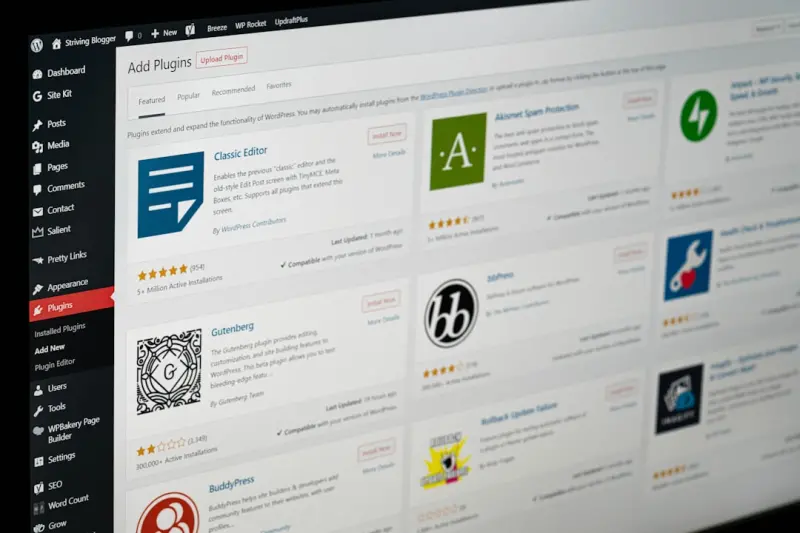
Modular Block‑Based Themes: Future‑Proofing WordPress Design
Discover why modern block‑based themes are the foundation for a fast, collaborative, and future‑... Read More
Reimagining WordPress Themes for the Headless Era
Discover why traditional WordPress themes are giving way to component‑driven, headless architectur... Read More
WordPress Themes as Scalable Brand Engines for B2B SaaS
A WordPress theme isn’t just a visual skin; it can become a scalable brand engine for B2B SaaS, de... Read More
Top Posts

Unlocking Joomla’s Enterprise‑Ready Toolkit for Modern Businesses
Joomla’s modular design, built‑in multilingual capabilities, and granular access controls make it a powerful, scalable platform for enterprises seeking flex...Read More

Real‑Time Inventory Visibility: Turning Stock Uncertainty into Sales Confidence
Real‑time inventory visibility reduces cart abandonment, drives higher average order values, and builds brand loyalty. Learn the technical roadmap, common pit...Read More

Turning WordPress into a SaaS‑Ready API Hub: A Practical Guide
This guide shows how to repurpose WordPress as a robust API layer for SaaS applications, covering headless setup, custom post types, authentication, performance...Read More

Turning Cart Abandonment Into Revenue: A Data‑First Playbook for Modern E‑Commerce
A practical guide that turns cart abandonment into a revenue engine by focusing on trust signals, personalized recovery, progressive web checkout, and sustainab...Read More
0 Comments
Post Comment
You will need to Login or Register to comment on this post!