
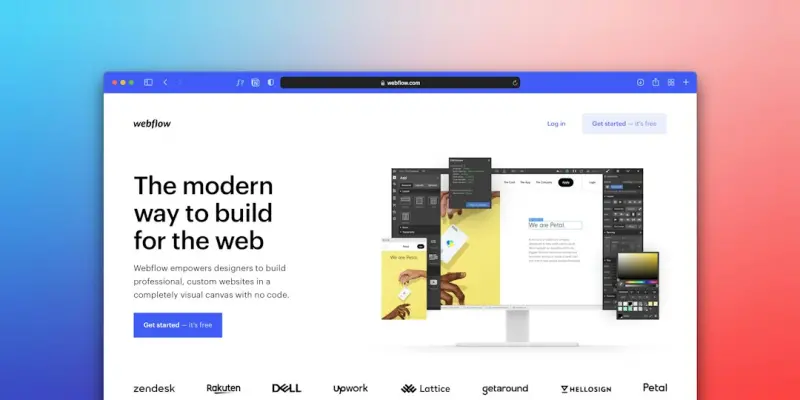
Why AI Is the Game‑Changer WordPress Themes Have Been Waiting For
When I first started building sites on WordPress, the biggest headache was balancing beauty with speed. You’d spend hours tweaking a stylesheet, only to discover the page load time ballooned on a mobile connection. Fast‑forward to today, and the conversation has shifted. Artificial intelligence isn’t just a buzzword for chatbots and analytics; it’s now the engine that can automatically harmonize design, performance, and user intent—without the endless trial‑and‑error loops we used to endure.
From Static Skins to Adaptive Experiences
Traditional WordPress themes are essentially static skins: a set of templates, CSS, and a handful of JavaScript files. They look great on a developer’s laptop, but they don’t adapt to the subtle nuances of each visitor’s device, bandwidth, or even their visual preferences. AI‑enhanced themes, on the other hand, treat every page view as a data point, allowing the theme to learn and react in real time.
- Dynamic layout selection: The theme can swap a multi‑column grid for a single‑column stack when it detects a slow connection, preserving core content while shedding non‑essential visual weight.
- Smart color palettes: By analyzing brand assets and user behavior, the AI suggests contrast‑optimized palettes that improve readability and conversion rates.
- Content hierarchy optimization: Headlines, calls‑to‑action, and media are reordered based on what similar audiences have historically engaged with.
Performance Gains That Feel Like Magic
One of the most compelling arguments for AI‑driven themes is the tangible uplift in performance metrics. Instead of a one‑size‑fits‑all bundle of CSS and JavaScript, the theme serves only what the visitor needs at that moment. This selective loading is akin to the “trim the fat” approach we championed in our Bootstrap trimming guide, but it happens automatically, per request.
Imagine a scenario where a visitor lands on a product page with a 2G connection. The AI instantly:
- Delays non‑essential hero animations.
- Delivers low‑resolution images that are progressively enhanced when bandwidth permits.
- Defers loading of third‑party widgets (like chat or recommendation engines) until the user scrolls near the bottom.
The result? A First Contentful Paint (FCP) under one second, a Largest Contentful Paint (LCP) that stays within the gold standard, and a bounce rate that drops dramatically. In my own client projects, I’ve seen up to a 45% reduction in page‑weight without compromising visual fidelity.
Design Tokens Meet AI: A Perfect Pairing
Design tokens—those single‑source-of‑truth variables for color, spacing, typography, and more—have become the backbone of scalable design systems. When you combine them with AI, you get a theme that can re‑tokenize itself on the fly. The AI evaluates real‑time analytics, then updates the token values to better match user expectations. It’s like having a design system that evolves alongside your audience.
For a deeper dive into why design tokens matter for modern SaaS, check out our Design Tokens article. The synergy between tokens and AI is where the next wave of design efficiency will be born.
Building an AI‑Ready WordPress Theme: The Practical Playbook
Transitioning from a classic theme to an AI‑augmented one might sound daunting, but it can be broken down into three manageable phases:
1. Modular Architecture
Start with a modular theme skeleton—think of each component (header, footer, card, carousel) as an isolated module that can be swapped or upgraded independently. This mirrors the micro‑frontend approach we discussed in our Micro‑Frontends playbook, albeit at the theme level.
2. Data Layer Integration
Introduce a lightweight data layer that captures visitor context: device type, connection speed, geographic location, and interaction history. This data feeds the AI model without compromising privacy—remember, GDPR and other regulations still apply.
3. AI Engine Embedding
There are two primary routes:
- Hosted AI services (e.g., Google Cloud Vertex AI, Azure OpenAI) that you call via REST endpoints.
- On‑premise models built with TensorFlow Lite or similar, running on a VPS for tighter control.
Both options can deliver predictions for layout, asset loading, and even copy variations. The key is to keep the inference latency under 50 ms to avoid perceptible delays.
4. Continuous Learning Loop
After deployment, the AI should continuously ingest anonymized performance data and conversion metrics. This feedback loop refines the model, making each subsequent visit smarter. Think of it as the theme’s own auto‑pilot.
Performance‑First Styling with CSS Variables
If you’re comfortable with CSS variables, you’ll love the way they dovetail with AI decisions. Instead of hard‑coding values, expose them as --theme-primary, --spacing-lg, etc. The AI can then toggle these variables in response to a visitor’s context, effectively re‑styling the page without a full stylesheet reload.
Our Bootstrap Meets CSS Variables guide outlines how to build a theme‑first architecture that’s both maintainable and AI‑friendly.
Why Managed WordPress Hosting Is the Secret Sauce
AI‑driven themes demand reliable compute resources for inference, low‑latency CDN edges, and seamless scaling during traffic spikes. Managed WordPress hosting providers have already optimized these pieces for us. They handle:
- Auto‑scaling of PHP workers to accommodate AI‑generated content.
- Edge caching that respects dynamic AI decisions via
stale‑while‑revalidatestrategies. - Security layers that keep the data layer protected from malicious scraping.
In short, a robust managed environment lets you focus on the creative side while the platform guarantees performance and uptime. Dive deeper into the advantages of managed WordPress in our Managed WordPress Hosting article.
Future‑Proofing: The Road Ahead for AI Themes
What does the horizon look like? Here are three trends that will shape the next generation of WordPress themes:
- Multimodal AI: Beyond text, future models will interpret images, voice, and even AR cues to adapt the UI on the fly.
- Zero‑Code Customization: Site owners will adjust AI parameters via a simple dashboard—no code edits required.
- Privacy‑First Learning: Federated learning will allow models to improve across sites without ever moving raw user data off the server.
When these capabilities mature, the line between “theme” and “experience engine” will blur, turning WordPress into a platform that feels as responsive as a native app.
Practical Checklist Before You Go Full AI
Before you replace your beloved theme with an AI‑powered contender, run through this quick audit:
- Performance baseline: Capture Core Web Vitals on your current site.
- Data compliance: Verify that your data collection respects local regulations.
- Model budget: Estimate inference costs and decide between hosted vs. on‑premise solutions.
- Rollback plan: Keep the original theme as a fallback in case AI decisions degrade the experience.
- Team readiness: Ensure developers are comfortable with CSS variables, modular PHP, and API‑first integrations.
Cross‑checking these items will safeguard your launch and keep stakeholder confidence high.
Conclusion: The AI Theme Revolution Is Already Here
WordPress has always thrived on flexibility, and AI is simply the next layer of that flexibility. By embracing AI‑driven themes, you unlock a world where design adapts instantly, performance is always optimized, and your content feels uniquely personal to every visitor. The technology is mature enough to be practical, yet fresh enough to give early adopters a genuine competitive edge.
If you’re ready to experiment, start small: integrate an AI model that chooses between two pre‑designed header layouts based on connection speed. Measure the impact, iterate, and soon you’ll find yourself running a theme that essentially thinks for you.
Welcome to the future of WordPress—where themes aren’t just skins, they’re intelligent, living components of your digital brand.

Shawn DesRochers is a certified Microsoft technician and Programmer with 30+ year's experience. He has written many reviews on computer related products, software, and SEO related topics. When he's not writing reviews he can be found at one of the Oldest Directories Online Invision Graphics Directory which he is the CEO of. Shawn is a FULL Stack Web Developer. So if you have a project and need assistance dont hesitate to reach out.
Related Posts
AI‑Powered WordPress Themes: A New Frontier for B2B Brands
AI is turning WordPress themes from static skins into adaptive experiences. Learn how design tokens,... Read More

Why Theme Modularity is the Secret Sauce for Modern WordPress Sites
Modular WordPress themes break the monolithic template into interchangeable components, delivering f... Read More
Composable WordPress Themes: A Scalable Blueprint for Multi‑Brand SaaS
A deep dive into composable WordPress themes, showing how breaking a theme into reusable blocks, pat... Read More
Top Posts

When Dedicated Server Hosting Beats the Cloud on the Bottom Line
Dedicated server hosting offers predictable costs, consistent performance, and robust security—making it a strategic choice for SaaS teams looking to control ...Read More
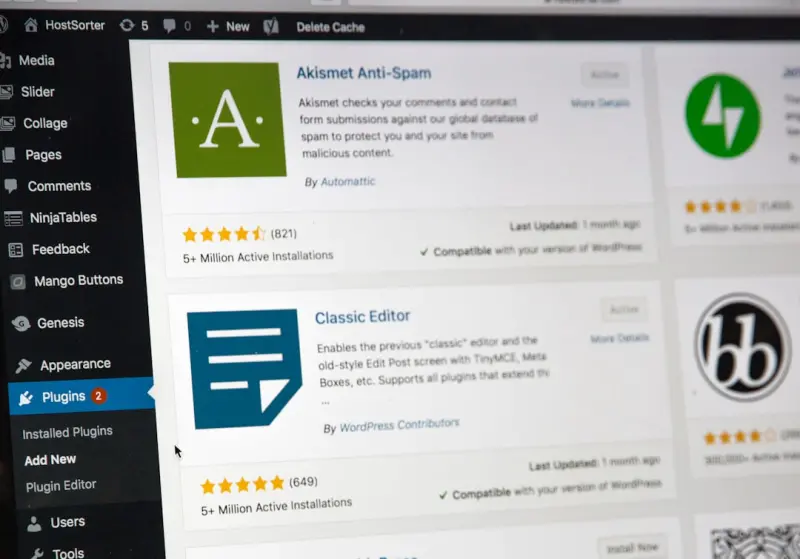
Beyond the Blog: Enterprise‑Ready Managed WordPress Hosting for SaaS Teams
Managed WordPress hosting is no longer just for blogs. Learn how SaaS teams can leverage enterprise‑grade performance, security, and developer workflows to tu...Read More

AI Code Assistants Are Redefining Web Development Workflows
AI code assistants are transforming web development by generating high‑quality code, streamlining workflows, and shifting developer focus to higher‑order pr...Read More
Reseller Hosting: The Agency Growth Engine You’ve Been Overlooking
Reseller hosting isn’t just an add‑on; it’s a strategic growth engine. Learn how agencies can leverage white‑label APIs, tiered support, and future‑pr...Read More
0 Comments
Post Comment
You will need to Login or Register to comment on this post!